
I have often said design is one of my weaknesses as a marketer, and you can probably tell by my default plain-text email signatures if we’ve ever emailed in the past. However, the same can’t be said of my email signatures when I’m speaking on behalf of clients, and that’s all thanks to the different email signature tools we use.
This is a do-as-I-say-not-as-I-do situation, because my personal email signatures remain plain text with maybe a hyperlink to my LinkedIn profile. But, if you email your customers/audience, your email signature is truly an opportunity not to miss. Multiply that by an entire team, and email signatures become a direct channel to some of your best leads, customers, and more.
Let’s discuss some ideas of how to leverage your email signature, before we get into the tooling.
What to include in your email signature
The basics include;
- Your full name
- Your role or position
- A link to your company
In my opinion, that is the bare minimum information your email signature should have. Give correspondents at least enough context to know who they are talking to.
If you want to go a little deeper, you can also include;
- Your LinkedIn profile
- Links to your company social media accounts
- Your (or your company’s) email and phone number
- A photo, either of you or your company logo (hyperlinked)
Adding all of the above gives your correspondents even more context, and multiple avenues to learn more.
Then, adding CTAs and banners are where your signatures truly shine as an additional acquisition/communication channel. Here are a few ideas of what else you can include in your signatures;
- A request to fill out a customer survey (a good way to learn more about your audience)
- A CTA to sign up for your newsletter (an excellent nurture channel)
- For the sales team, a link to schedule a call
- A link to leave a review of your business
- A banner with your latest webinar info and CTA to register
- Dates saying when you’ll be at a certain trade show or event, and to find you there
- Your latest blog post, whitepaper, or resource available for download
- A link to templates or giveaways your company offers (to delight your readers)
- Where to learn more about your products or services
The ideas above provide a small glimpse into the many opportunities your team has to provide (or gather) more information in their day-to-day communications. Think about how many emails your team collectively sends out everyday, and then think about the impact of all of those emails coming with an extra task/ask/info.
Emails signature generators, managers, and tools
Now that we’ve covered what to do with email signatures, let’s look at tools you can use to implement them company-wide.
WiseStamp

This tool is useful because you can set different signature templates for different teams (for example, support teams can include links to create a ticket, and sales teams can include CTAs to book a call).
We’ve used their templates to create uniform email signatures on Gmail, with accurate social media icons and links. There are options to add buttons, banners, logos, and other items to adjust the look and feel of your template.
Scribe
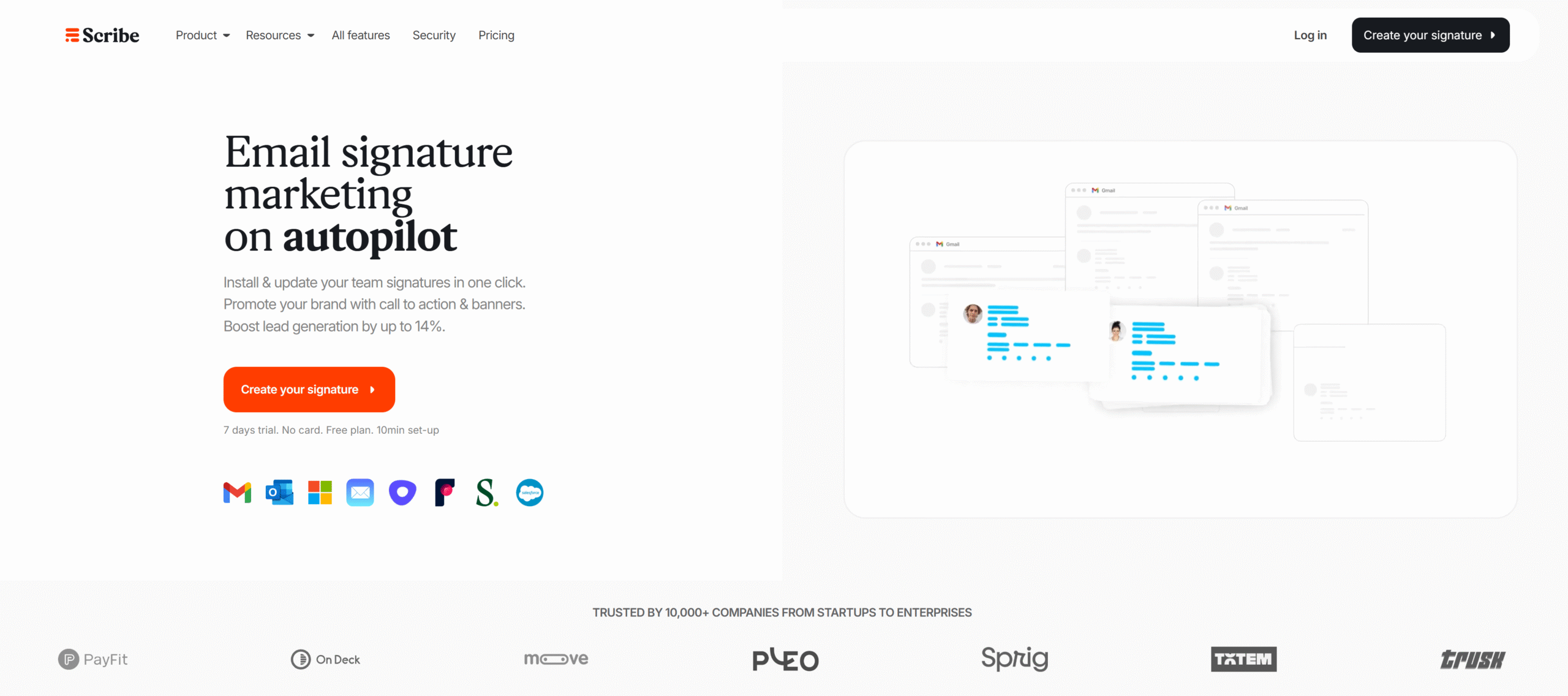
Scribe is useful because it gives your users an easy way to copy and paste their designed email signature into their Outlook or Gmail. You enter your details (such as your name, position, etc) and then the tool will create a designed signature that you can copy and paste the HTML for.
Wrapping up: Use your email signatures as a supplementary communication channel
It’s hard to earn attention these days, so if you (and your team) already has someone willing to read through an email, leverage your email signature into further action whenever you can. Whether you’re offering something helpful like a free resource, or you’re asking for them to send more information in a survey, your email signature can be a useful communication channel multiplied by every correspondence your team sends out.